
- 1Before anything opens
Scans for viruses and malware
Think of it like the antivirus on your computer, built for freight. Every file that comes in gets scanned first. If it looks bad, Shield moves it into quarantine, a locked box where it can't hurt anything, so it never runs on your computer or phone.
What Shield checks
- Viruses and malware hidden in files
- Hidden macros and scripts inside Word, Excel and PDF files
- Fake file types, like a program pretending to be a PDF
- Zipped folders hiding something dangerous
- Lures to install remote-access software that would let someone control your computer
What you see
Scans for viruses and malwareDEMO · example data- rate_con.pdf.exe · fake file typeTHREAT
- Moved to quarantineREVIEW
- BOL_4471.pdf · no threats foundCLEAR
Why it matters to you: One bad file can lock up your computer or hand a scammer your logins, your load board and your bank.
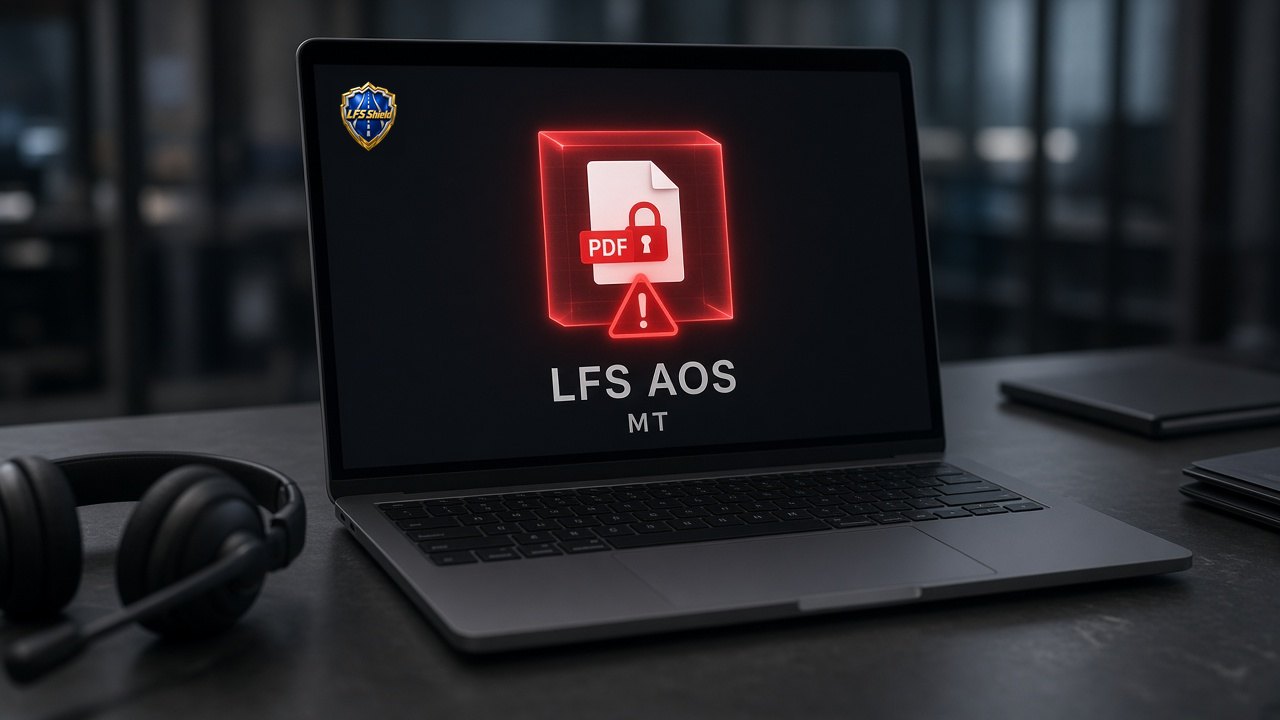
LFS Shield in LFS AOS with MT quarantining a downloaded PDF before it can open, red alert on the file - 2When the email arrives
Checks your email
Shield reads the parts of an email you normally can't see, to find out who really sent it. If the name says one company but the email actually comes from somewhere else, you'll know.
What Shield checks
- Who really sent it, not just the name shown
- Look-alike addresses, like a 0 swapped for an O or a letter that only looks English
- Spoofing: whether the email passes the sender checks (SPF, DKIM, DMARC)
- A Reply-To that quietly sends your answer to a different address
- Pressure tactics: "urgent", "change your password", "open this packet now", surprise payment instructions
What you see
Checks your emailDEMO · example data- From: dispatch@trusted-broker.comCLEAR
- Reply-To goes to a different domainTHREAT
- "Wire today or lose the load" · pressure languageREVIEW
Why it matters to you: Most freight scams start with one convincing email. Catching it here means nobody replies, sends documents or shares a bank account.
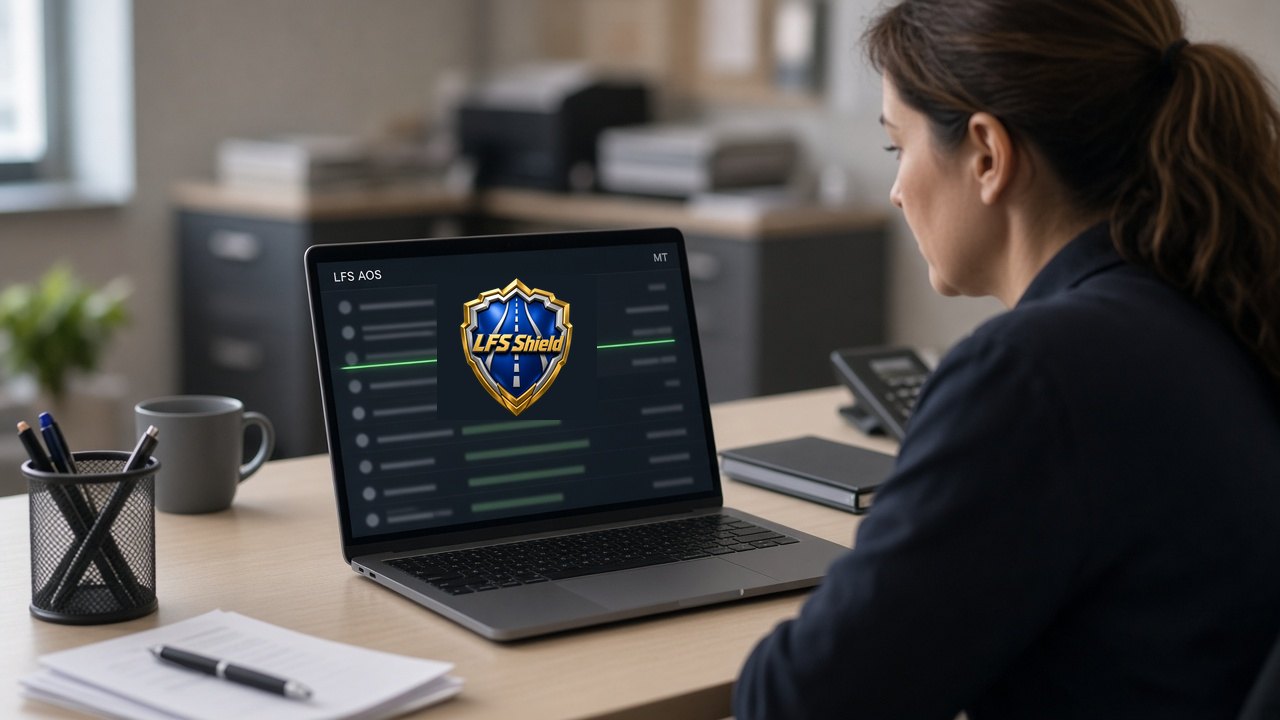
LFS Shield logo glowing green on a laptop in LFS AOS with MT as it scans an inbox for who really sent each email - 3Before you open or click
Looks at attachments and links first
Shield checks the paperwork before you open it. It compares what the document says to what you actually agreed, and spots documents that were changed after the fact.
What Shield checks
- Rate cons: load number, rate, parties and pickup and delivery match the booking
- BOLs and PODs
- W-9s, certificates of insurance (COI) and carrier packets
- Invoices, notices of assignment (NOAs) and ACH change forms
- Tampered PDFs, using a digital fingerprint (SHA-256) to prove whether a file changed
- Macros and links hidden inside documents
What you see
Looks at attachments and links firstDEMO · example data- Rate con v2 · rate differs from v1THREAT
- COI · names match the carrierCLEAR
- Invoice.xlsm · macro removed in quarantineREVIEW
Why it matters to you: A changed rate con or fake invoice is how money gets stolen on a load that was hauled for real.
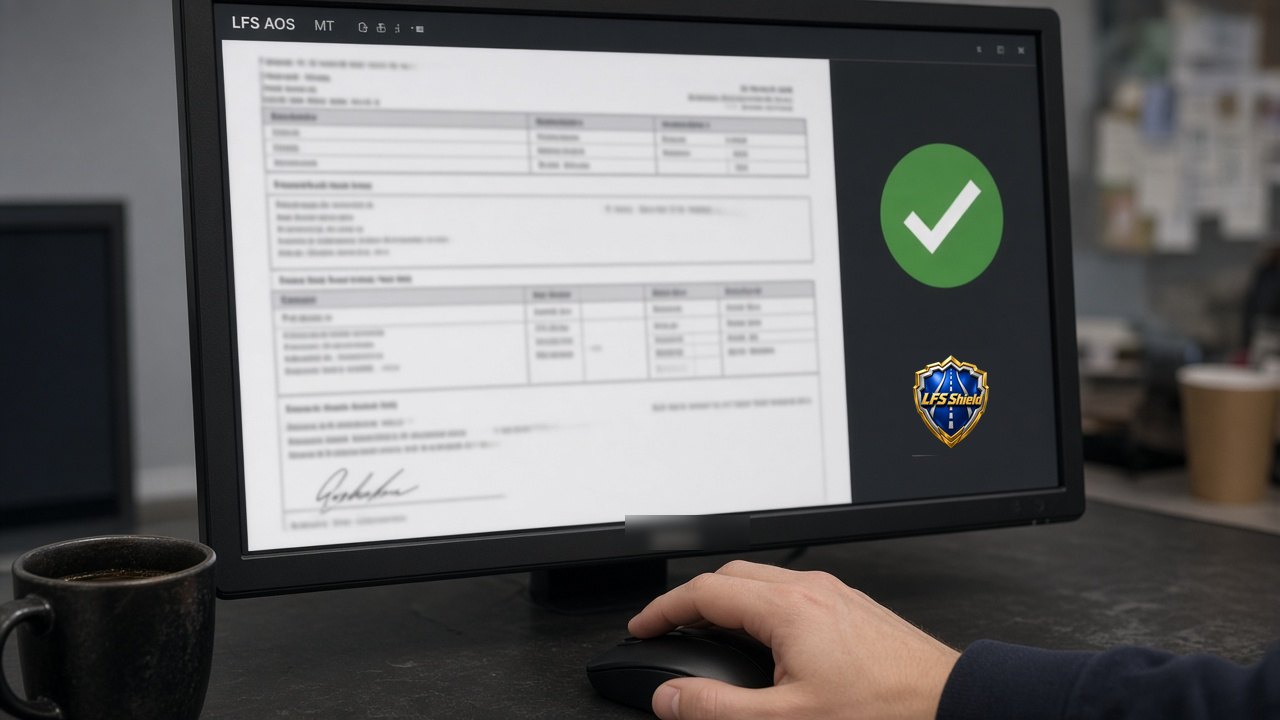
Broker rate confirmation PDF checked against the booked load in LFS AOS with MT, green check from LFS Shield - 4Before you trust a website
Checks URLs and websites
Scammers build websites that look like real companies. Shield checks the web address itself, not just how the page looks.
What Shield checks
- How old the web address is (domain age)
- Who registered it and when (public registration records)
- Look-alike spellings of real company names
- Links that redirect you somewhere else
- Whether the site matches the company's known, real website
What you see
Checks URLs and websitesDEMO · example data- Domain registered 8 days agoTHREAT
- Look-alike of a household-name shipperTHREAT
- Known official website · matchesCLEAR
Why it matters to you: This is exactly how LFS Shield caught the fake shipper that came after us: a website only eight days old.
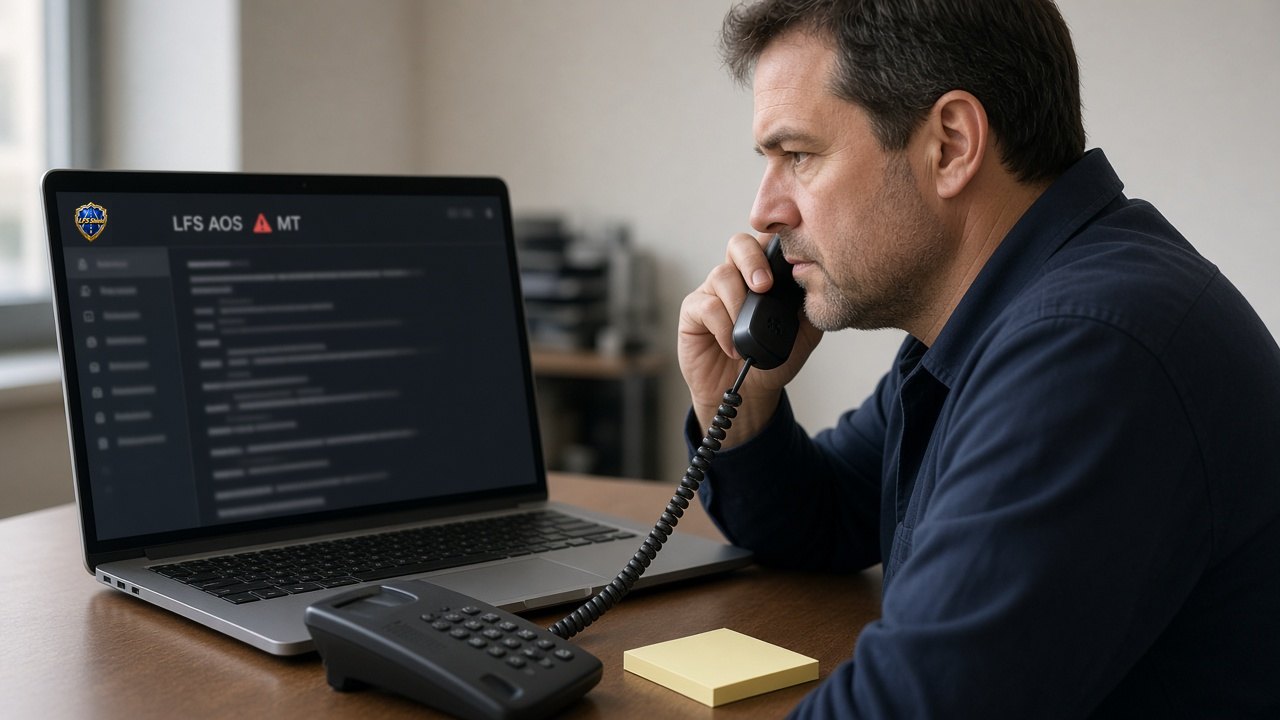
Dispatcher verifying a broker by phone after LFS AOS with MT flags a look-alike web address - 5Before you accept the load
Checks every party
The shipper, the broker, the dispatcher and the receiver. Shield checks that each one is who they say they are, using sources the scammer doesn't control.
What Shield checks
- Operating authority, USDOT and MC numbers, and history with FMCSA
- A real phone number, verified on its own and not taken from the email
- The real website and legal name or DBA
- Whether the contact person and email match the company
- Careful matching: it never treats two similar names as the same company
What you see
Checks every partyDEMO · example data- Broker MC · authority activeCLEAR
- Phone in email · not on official siteREVIEW
- Contact email · domain doesn't match brokerTHREAT
Why it matters to you: Scammers borrow the names of real, respected companies. Checking the contact, not just the name, is what catches them.
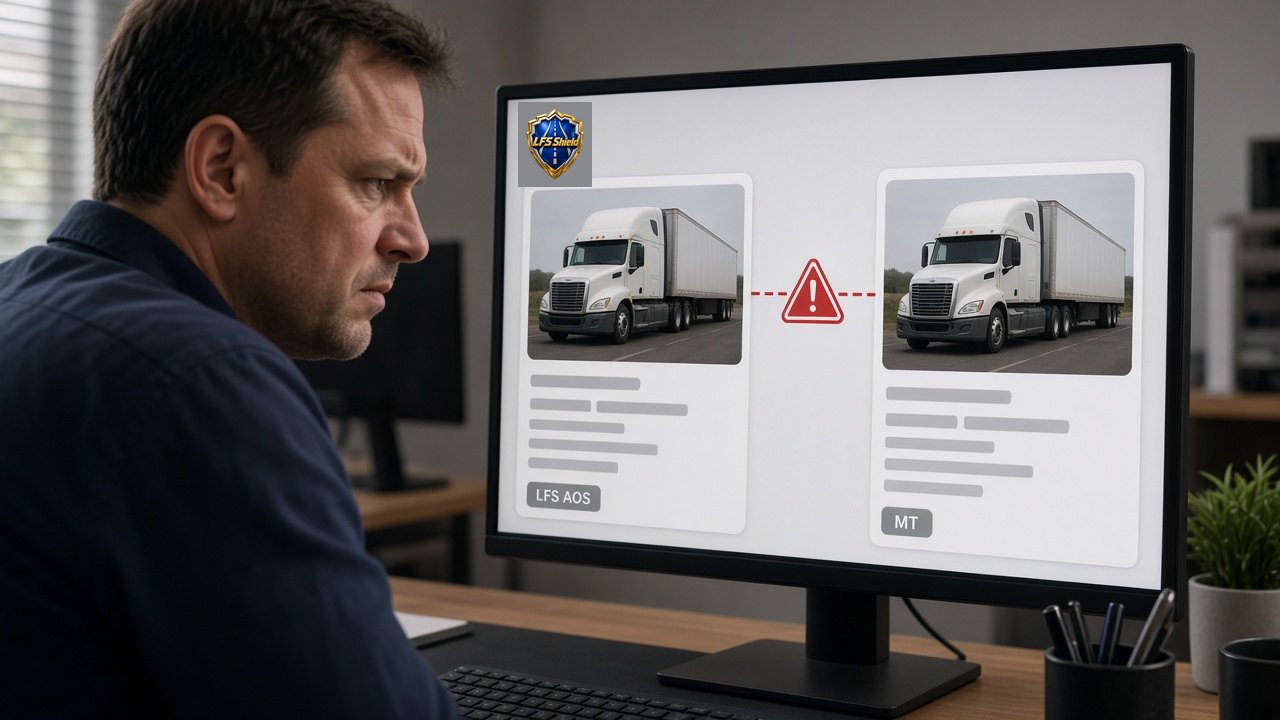
Two near-identical carrier profiles compared in LFS AOS with MT, LFS Shield flagging the mismatch - 6Booking → pickup → delivery → payment
Follows the load: the Transaction Identity Chain
This is the part no ordinary antivirus does. Shield follows your load from booking to payment and asks the same question at every handoff: is this still the same people?
What Shield checks
- Who posted the load, and are they the authorized broker
- Who negotiated, signed the rate con, hauled it and is now claiming payment
- A pickup or delivery address that changes partway through
- A second rate con on the same load
- Double-brokering patterns
- A new dispatcher, driver or truck that wasn't on the booking
- A break in the BOL and POD paper trail
What you see
Follows the load: the Transaction Identity ChainDEMO · example data- Booked · broker verifiedCLEAR
- Delivery address changed by new contactTHREAT
- Second rate con on same load #THREAT
Why it matters to you: It catches impersonation even when the company named on the load is real and reputable.
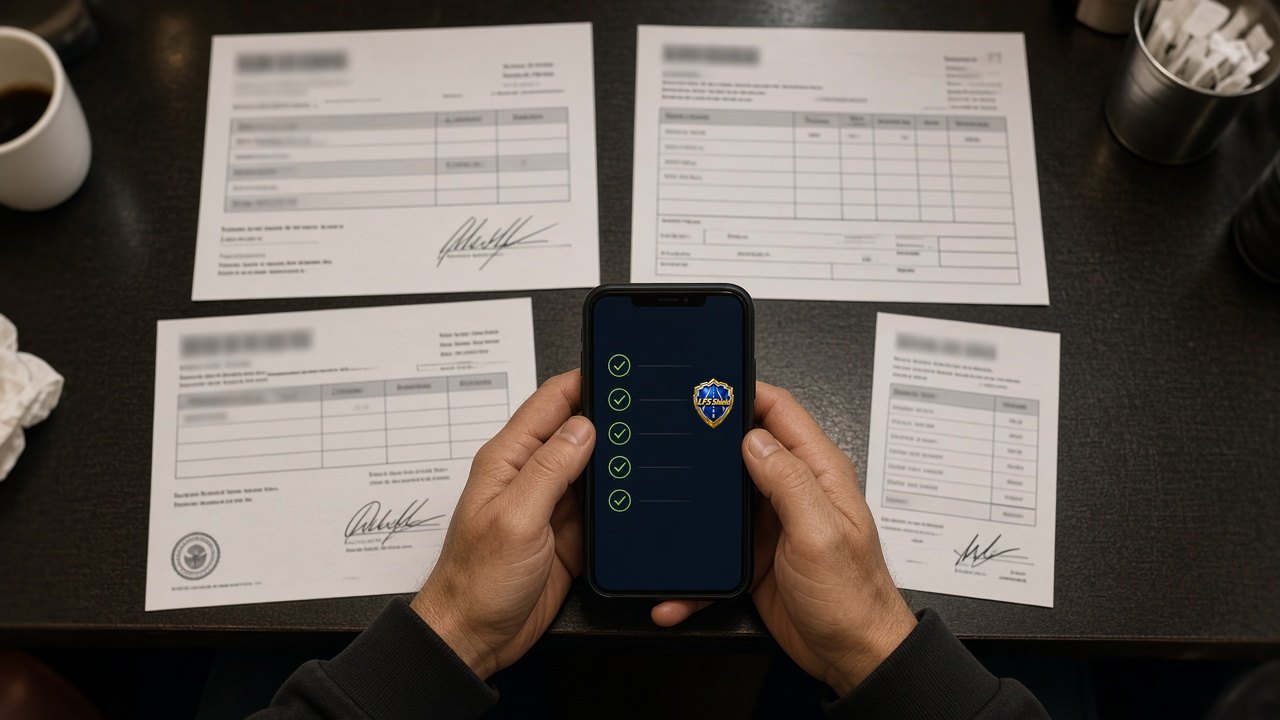
Driver uploading the rate con, BOL, proof of delivery and fuel receipt so LFS Shield can follow the load from booking to payment - 7When it's time to get paid
Guards the payment
The Payment Claim Guardian checks who was hired, who hauled and who is asking for the money, and makes sure those match before money moves.
What Shield checks
- Bank account or factoring company changes
- A new payee or beneficiary
- Two invoices competing for the same load
- A payment claim from someone who didn't haul the load
- Independent verification before any payment change goes through
What you see
Guards the paymentDEMO · example data- ACH change request · held for verificationTHREAT
- Invoice · matches hauling carrierCLEAR
- New factoring company on fileREVIEW
Why it matters to you: This is where carriers lose the most money: hauling the load and watching someone else get paid for it.

Fleet owner confirming a bank change by phone while LFS AOS with MT holds only the payment change - 8How serious is it?
Three levels, and never stops a moving truck
Not every warning is an emergency. Shield sorts what it finds into three levels, so you get alarms that mean something.
What Shield checks
- Level 1, Routine: quick, automatic checks on everything
- Level 2, Targeted review: connects identity, domain, history and payment, and shows its reasons
- Level 3, Critical hold: saves the proof and holds only the one affected action until a supervisor clears it
- It never stops a moving truck
What you see
Three levels, and never stops a moving truckDEMO · example data- Level 1 · routine checks passedCLEAR
- Level 2 · review: new contact on loadREVIEW
- Level 3 · payment change held, truck keeps rollingTHREAT
Why it matters to you: You stay in business while it's checking. Only the risky step waits, never the freight.
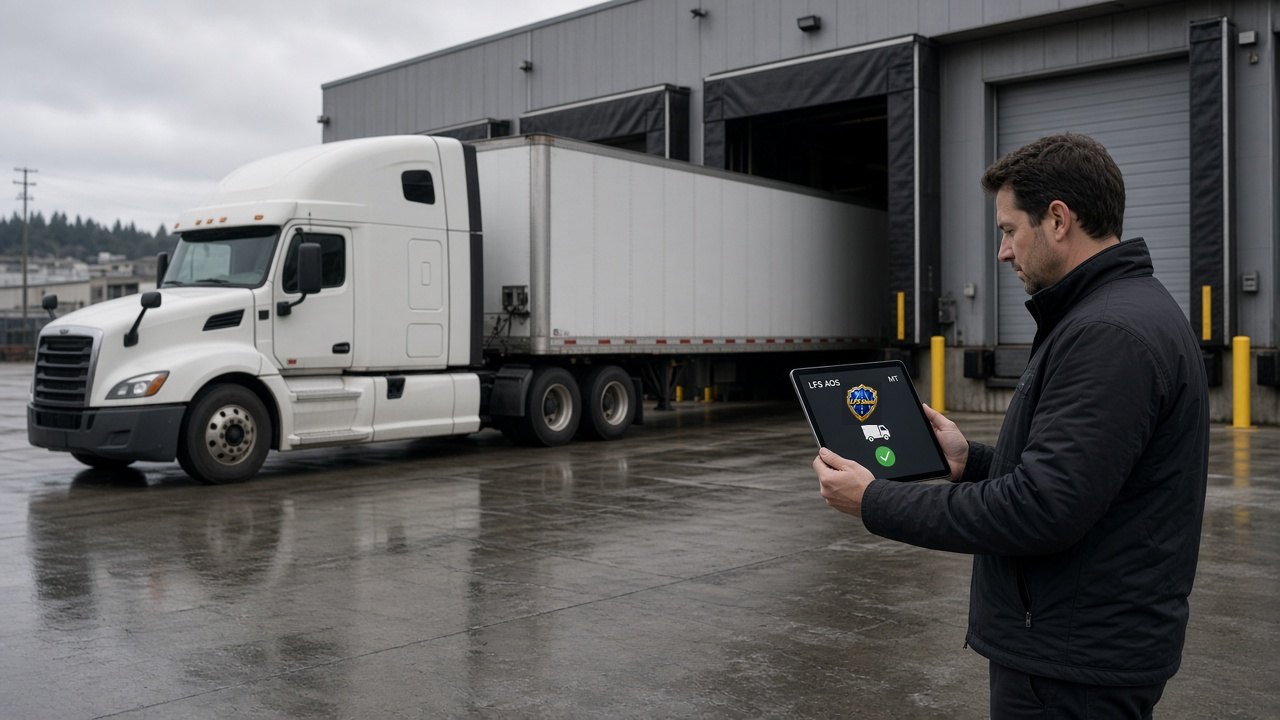
Truck backing into a dock while LFS AOS with MT confirms the carrier, freight keeps moving - 9What you see
Answers in plain English
No codes or tech talk. Every result says what Shield found, why it matters and what to do next. MT explains it using the exact evidence and never makes things up.
What Shield checks
- A clear label: Checked, Review, High, Critical or Human cleared
- Why: the exact reason behind the label
- The evidence it's based on
- A safe next step, like "call the broker on a number you looked up on your own"
What you see
Answers in plain EnglishDEMO · example data- HIGH · Reply-To sends replies to another domainTHREAT
- Why: real broker never uses this addressREVIEW
- Next: call broker at number on its official siteCLEAR
Why it matters to you: You shouldn't need an IT department to understand whether a load is safe.
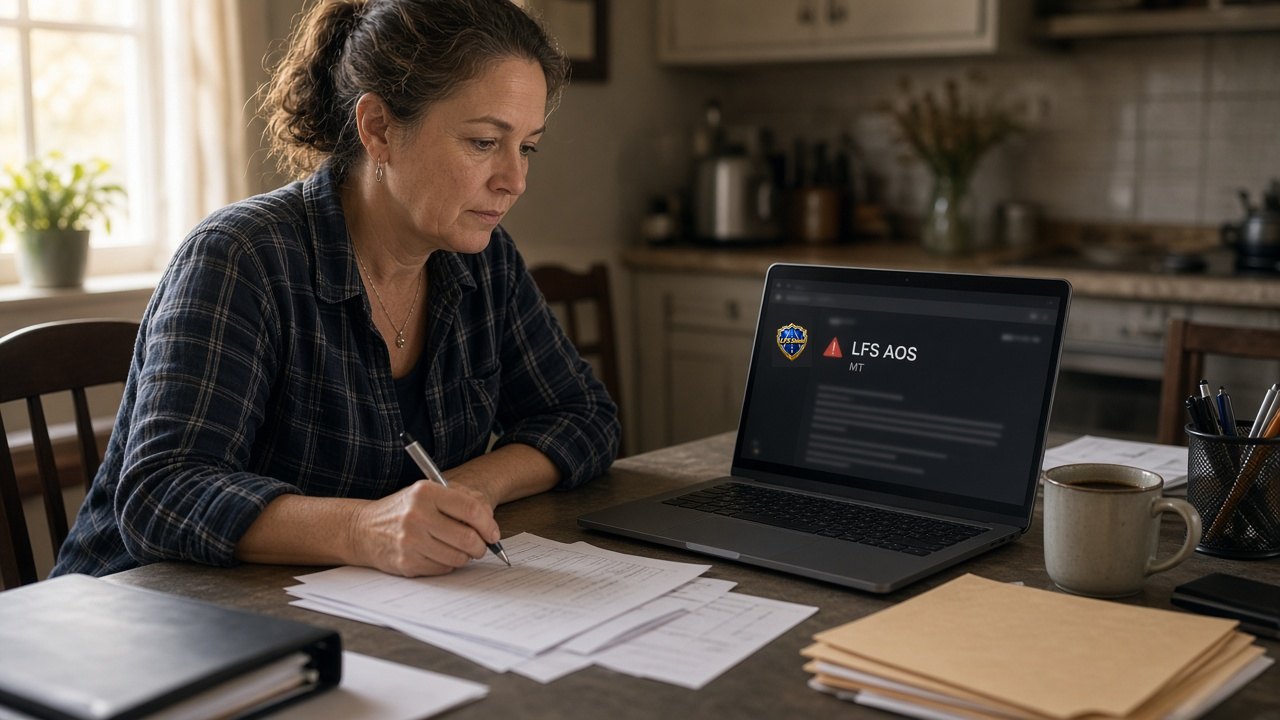
Owner-operator at her kitchen table reading a plain-English LFS Shield alert in LFS AOS with MT - 10If something goes wrong
Keeps proof in the evidence vault
When something looks bad, Shield saves the original files and emails in a private vault, exactly as they arrived, so you have proof.
What Shield checks
- The original files, unchanged
- Digital fingerprints that show nothing was altered
- A timeline of who handled it and when
- A record of who looked at it
- A legal hold, so it can't be deleted
What you see
Keeps proof in the evidence vaultDEMO · example data- Original email saved · fingerprint recordedCLEAR
- Timeline · 6 eventsCLEAR
- Legal hold · onREVIEW
Why it matters to you: If you need to dispute a payment, file a complaint or talk to police, the proof is already saved.
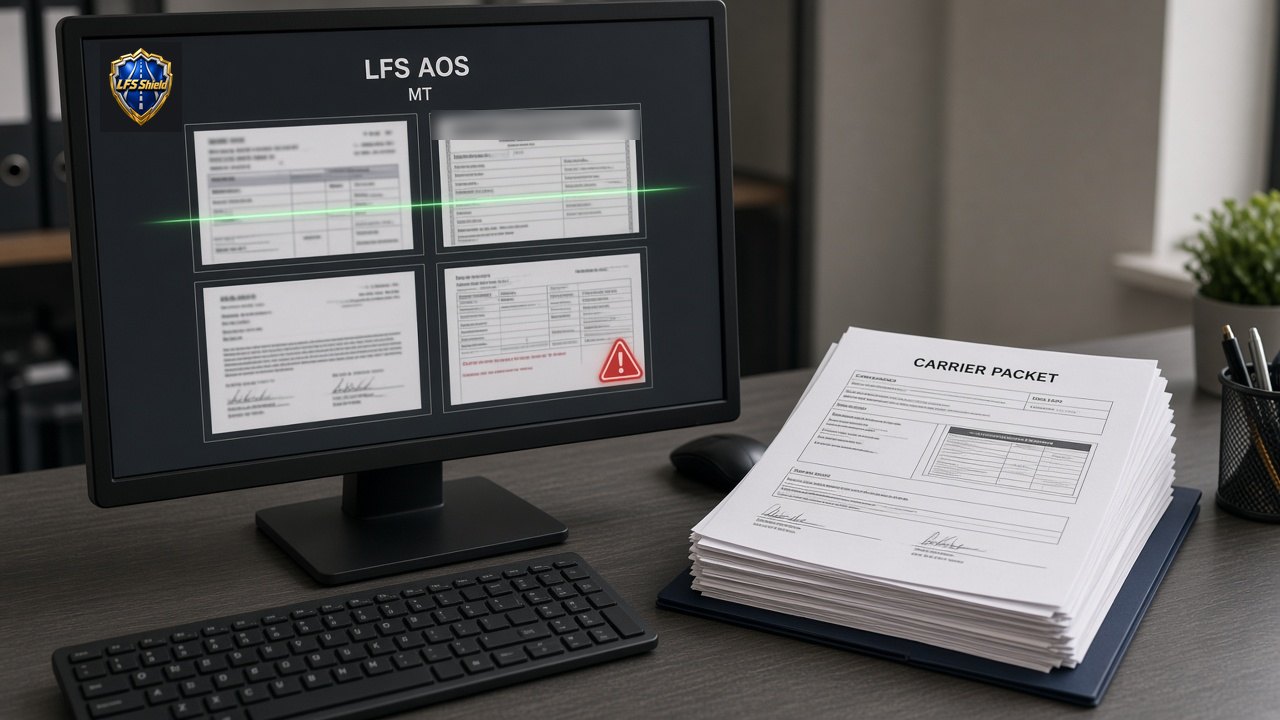
Carrier packet pages scanned in LFS AOS with MT with one flagged page preserved as evidence - 11After every scam
Learns from every scam to protect all carriers
This is the circle in the name. When a scam hits one carrier, Shield learns from it, and that lesson helps protect every other carrier. It's careful about it too: an accusation is kept separate from evidence, there's a right of reply, old warnings expire, and nobody gets labeled a scammer automatically.
What Shield checks
- Scams seen in LFS AOS, Freight Broker Complaint cases and LFS Compliance Pro uploads
- Patterns that repeat across carriers
- Complaint floods and pile-ons, filtered out
- Lessons with names removed, taught through Freight University
What you see
Learns from every scam to protect all carriersDEMO · example data- New look-alike pattern learnedCLEAR
- Shared to every protected carrierCLEAR
- Duplicate complaint flood · filteredREVIEW
Why it matters to you: One attack seen means everyone protected. You benefit from what happened to other carriers without it happening to you.
Trucks parked in a ring around a truck stop at dusk, one lesson protecting every carrier


Where the trail leads.
If they come in, we find them
Every email and document carries a trail. Shield follows it, server by server, past the tools crooks use to hide, until it knows where the scam really started. How, exactly, stays with us.
Then we turn them in
Shield doesn't stop at a warning. It hands the case to the agencies that can act: FMCSA, the FBI and US DOT among them. Fraud should cost the fraudster.
No file opens until it's checked
Whatever lands on your desk or your phone, Shield looks inside it first. A booby-trapped PDF or a photo with something hiding in it never reaches you.
One family, one fight
You won't pay for any of these steps. Read why we refuse to charge carriers for protection. Why LFS Shield is free →
What it means for you
If you're a driver or owner-operator
Drop in a suspicious email, PDF, screenshot or MC number and Shield checks it. Before you accept a load, it checks the broker. Before you get paid, it checks that the money is going to you.
If you're a dispatcher
You're booking with someone else's truck and someone else's money. Shield checks every broker, shipper, rate con and payment change before it reaches your carrier, so one bad booking doesn't sink them.
If you're a broker
Shield checks the carrier on the other end: authority, real contacts, who actually hauls the load and who claims payment. It helps stop double brokering and stolen payments on your loads too.
Questions drivers, dispatchers and brokers ask
Is LFS Shield like antivirus?
Yes, and more. It scans and quarantines bad files like antivirus does, and then it also checks emails, websites, companies, the load itself and the payment.
Do I have to be good with computers?
No. Every result is in plain English: what it found, why it matters and what to do next.
Will it stop my truck?
No. Even at the most serious level, it only holds the one risky step, like a payment change, for a human to look at. Your truck keeps rolling.
Does it call people a scammer?
No. It never labels anyone a scammer automatically. It shows evidence, keeps accusations separate from proof, and allows appeals and a right of reply.
How much does it cost?
LFS Shield will be offered for free. Select companies get it first, then the public.
Is it working today?
Yes. It has been in beta testing inside our own company for over three years, and it is what caught the fake shipper that came after us.
How do I get it?
Three ways: free on its own, built into LFS AOS, or included in LFS Compliance Pro. Request early access to get on the list.
Put your next load through it.
From the first quote to the signed POD, Shield checks every handoff before you trust it. Select companies come in first, and it's free.
Request early access